
March 26, 2025
5 Tips for Managing Language Barriers in LATAM Teams
Overcome language barriers in LATAM teams with effective strategies for communication, collaboration, and continuous learning.
Language barriers can slow down LATAM team productivity. Here’s how to tackle them effectively:
- Set a Primary Working Language: Choose a main language (English or Spanish) for all communication, supported by bilingual glossaries and templates.
- Use Translation Tools: Equip your team with tools like DeepL or Grammarly for smoother communication.
- Create Language Partner Pairs: Pair team members for real-time language practice and support.
- Organize Group Language Activities: Host events like tech talks or code reviews to build skills together.
- Support Ongoing Language Education: Track progress with assessments and encourage continuous learning.
These strategies improve collaboration, reduce misunderstandings, and help teams focus on delivering quality work.
Tip 1: Set a Primary Working Language
Choose Your Team’s Main Language
Selecting a primary working language is crucial for clear communication. Consider English or Spanish based on your team’s skills and project needs. English is often the go-to for technical documentation and global collaboration, while Spanish might be more practical for teams centered in LATAM regions.
Use a language assessment matrix to evaluate your team’s proficiency:
Proficiency Area
English
Spanish
Technical Documentation
Commonly required for tools and frameworks
Limited availability
Client Communication
Best for international projects
Ideal for regional clients
Internal Meetings
Adaptable to team comfort
Preferred for LATAM teams
Code Comments
Standard practice
May need translation
Establish Language Rules
Define clear guidelines for how the primary language will be used across different communication channels:
- Write all documentation in the chosen language.
- Use the same language for code comments.
- Conduct meetings in the designated language.
Offer Language Support Resources
To ensure smooth communication, provide your team with helpful resources:
- Technical Glossary: Create a bilingual glossary with key technical terms and phrases.
- Communication Templates: Standardize templates for agendas, status reports, code reviews, and technical specifications.
- Quick-Reference Guides: Include guides for technical terms, project-specific jargon, standard operating procedures (SOPs), and meeting protocols.
These steps help build a strong foundation for effective communication, minimizing language-related challenges.
Global Teams? Solve Communication Barriers NOW!
Tip 2: Use Translation Tools Effectively
Once you’ve decided on a primary working language, it’s time to equip your team with reliable translation tools. These tools can make communication smoother, especially for LATAM teams juggling multiple languages.
Top Translation Tools for Teams
For multilingual teams, the right tools can make a big difference:
Tool Type
Primary Use
Best For
DeepL
Real-time translation
Technical documentation, emails
Grammarly
Writing assistance
Code comments, documentation
Google Translate
Quick translations
Informal communication
Language Tool
Grammar checking
Multilingual text review
How to Use Translation Tools Effectively
1. Set Up Browser Extensions
Make translation tools easily accessible by installing browser extensions for your team. Configure default language pairs (like Spanish to English) to speed up translations during work.
2. Create Clear Guidelines
Outline when and how to use each tool. For instance, use DeepL for translating client-facing documents, Grammarly for polishing drafts, and Google Translate for quick internal chats.
3. Track Changes in Translations
Use collaborative tools to monitor edits in translated documents. This ensures consistency and minimizes the risk of errors or miscommunication.
Know the Limits of Translation Tools
While translation tools are helpful, they can struggle with industry-specific jargon. Build a custom dictionary for terms like API endpoints, framework-specific language, database commands, and Git-related terminology.
Critical Communications: For important messages – like project requirements, architecture plans, or client presentations – have a native speaker review the content to ensure clarity and precision.
Real-Time Discussions: These tools aren’t as effective for live conversations. To help, encourage a 5-second pause rule in meetings. This gives everyone time to translate and respond thoughtfully.
sbb-itb-a3fbb4e
Tip 3: Create Language Partner Pairs
Partnering team members for language practice can help bridge communication gaps and improve skills on both sides. This approach combines tailored support with practical learning opportunities.
Match Language Partners
Pair team members based on their skills, schedules, and roles to maximize effectiveness:
Partner Type
Primary Role
Secondary Role
Native English Speaker
Offers conversational practice
Learns technical Spanish terms
Native Spanish Speaker
Shares LATAM context
Practices English communication
Bilingual Team Member
Facilitates team discussions
Mentors both language groups
When creating pairs, consider factors like:
- Work schedules and time zone compatibility
- Technical expertise and experience
- Communication preferences
- Current project assignments
Thoughtful pairing creates a more collaborative and productive environment.
Benefits of Language Partnerships
1. Real-Time Support
Partners provide immediate help during meetings, code reviews, and when working on documentation. This ensures smoother communication during critical tasks.
2. Cultural Understanding
Language practice goes hand-in-hand with cultural exchange. Partners learn about regional expressions, work preferences, and communication styles common in LATAM tech teams, fostering better collaboration.
3. Skill Building
Participants improve in key areas such as:
- Expanding technical vocabulary
- Strengthening grammar basics
- Enhancing pronunciation
- Learning industry-specific terms
Guidelines for Successful Partnerships
To keep the program effective, follow these steps:
- Schedule 30-minute check-ins every two weeks.
- Focus on real work scenarios, like project discussions and documentation.
- Track progress by noting new vocabulary and communication milestones.
- Alternate roles between teaching and learning.
- Use active learning methods like reviewing code or discussing technical challenges during practice.
Communication Framework: Aim for 70% of the conversation in the primary language and 30% in the secondary language. Document new technical terms and exchange written feedback after important discussions.
Tip 4: Share Language Learning Activities
Group language learning activities can help improve team communication and build stronger connections. By working together on language skills, teams can boost both their collaboration and mutual understanding.
Plan Language Practice Events
Organize regular events focused on language exchange:
Activity Type
Format
Focus
Frequency
Tech Talk Tuesday
30-min presentations
Technical vocabulary
Weekly
Code Review Workshop
Pair programming
Development terminology
Bi-weekly
Virtual Coffee Break
15-min casual chats
Conversational fluency
Daily
Documentation Sprint
Collaborative writing
Written communication
Monthly
To make these sessions more effective:
- Record technical presentations for future reference.
- Update team glossaries with newly introduced terms.
- Rotate responsibilities for annotating and translating documentation.
Build Team Communication Trust
Clear Communication Guidelines
Encourage open and respectful communication by following these practices:
- Don’t hesitate to ask for clarification when needed.
- Offer corrections in a polite and constructive way.
- Use new vocabulary during team discussions.
- Share personal progress in language learning with the group.
Communication Support Tools
- Schedule regular check-ins to ensure everyone is on the same page:
- Summarize key points in both languages when necessary.
- Gather feedback to confirm understanding.
- Address any communication issues promptly.
- Provide helpful resources for ongoing learning:
- Create project-specific terminology guides.
- Use bilingual templates for meetings.
- Develop quick-reference cards for technical phrases.
- Share simple guides for standup meetings.
These activities and tools not only support individual language learning but also improve overall team communication and collaboration.
Tip 5: Support Language Education
Measure Language Improvement
Evaluate the success of language education efforts with clear, measurable methods like these:
- Standardized Assessments: Use regular testing to establish a starting proficiency level and track progress over time.
- Communication Metrics: Observe participation in meetings, clarity in documentation, and engagement in discussions to assess language growth.
- Performance Monitoring: Look at improvements in technical vocabulary, email communication, and written contributions to link language skills with overall team performance.
These approaches help ensure that language education efforts are effective and focused where they’re needed most.
Conclusion: Improving Team Communication
Key Takeaways
Addressing language barriers in LATAM teams requires a clear, structured approach. Some effective strategies include setting a primary working language, using translation tools wisely, pairing team members for language support, organizing language-focused team activities, and encouraging continuous language learning. When applied consistently, these methods minimize misunderstandings, improve teamwork, and help teams concentrate on their core tasks. This structured approach is central to how CareMinds operates.
How CareMinds Supports Teams
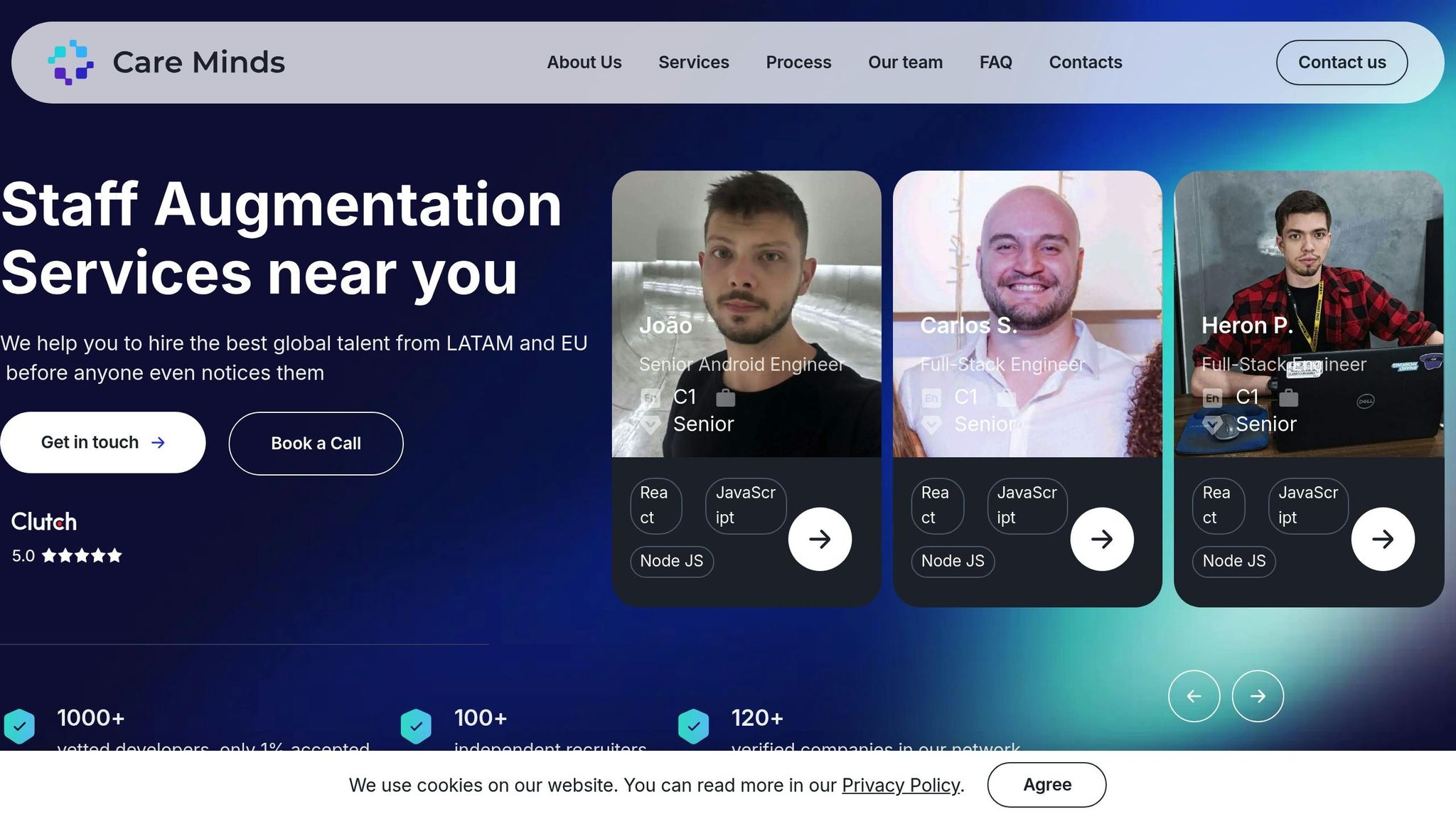
CareMinds specializes in building efficient multilingual teams through careful screening and comprehensive support. Here’s how they do it:
“Dedicated to customer satisfaction as a key metric. Leads a team of 100 independent recruiters, ensuring both exceptional performance and team happiness.” – Alfredo Pacocha, Head of Delivery, CareMinds
Their process includes:
- Pre-screening: Assessing language skills and technical expertise.
- Integration Support: Providing HR assistance for seamless onboarding.
- Ongoing Assistance: Offering continuous communication support to ensure smooth collaboration.